No more relying on the honor system. Helper Helper gives you multiple attendance approval and validation methods so you can choose what works best for each event and organization. Your admins always have final say over every hour that gets validated.

Attendance Validation Methods
Validation Codes
Each event generates a random or custom validation code that auto-sends to event coordinators. Students enter the code to validate their attendance and check out of the event.
Coordinator Check-In Links
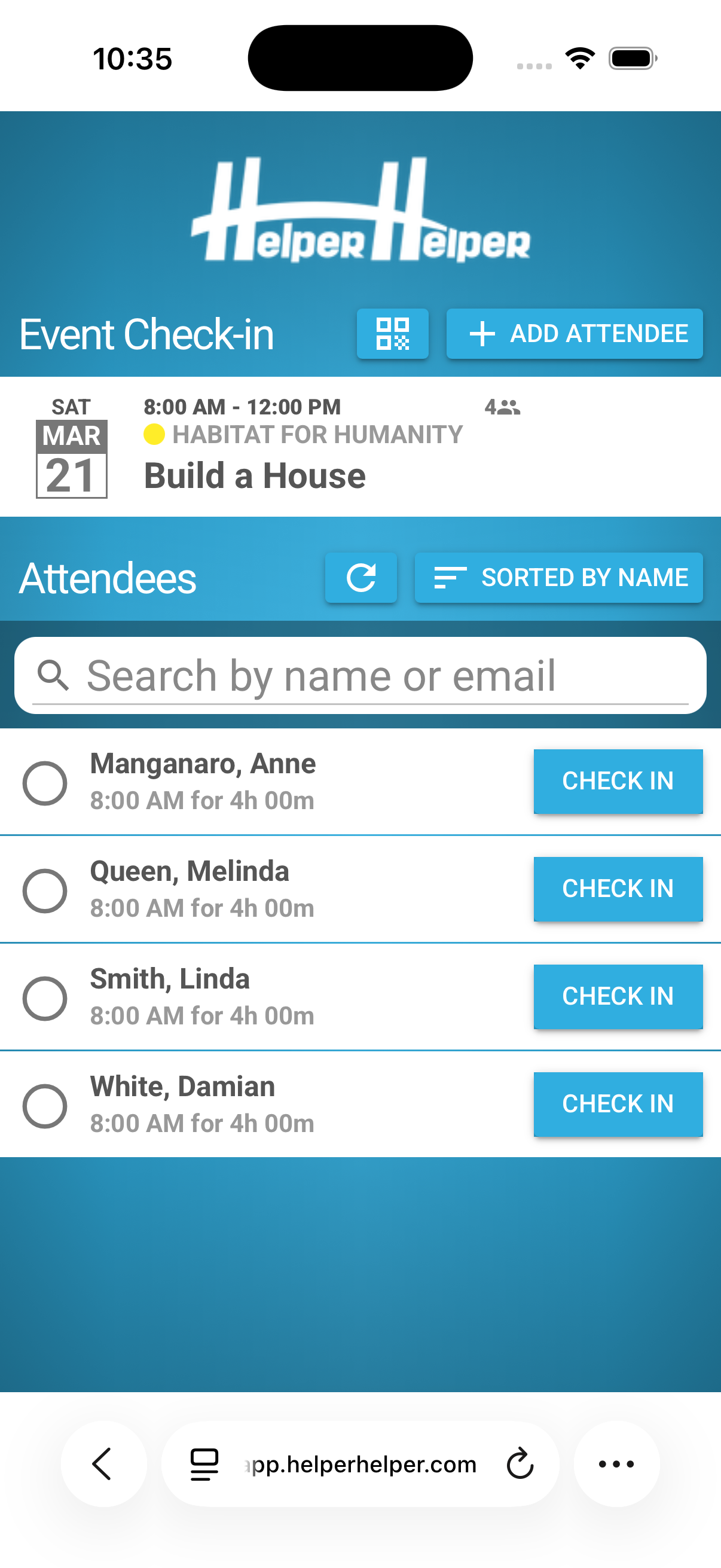
Every event includes a unique check-in link that is emailed to event coordinators in advance. Coordinators use this link (pictured on the left) like a kiosk to quickly check users into the event and validate their attendance with one click.
QR Code Check-In
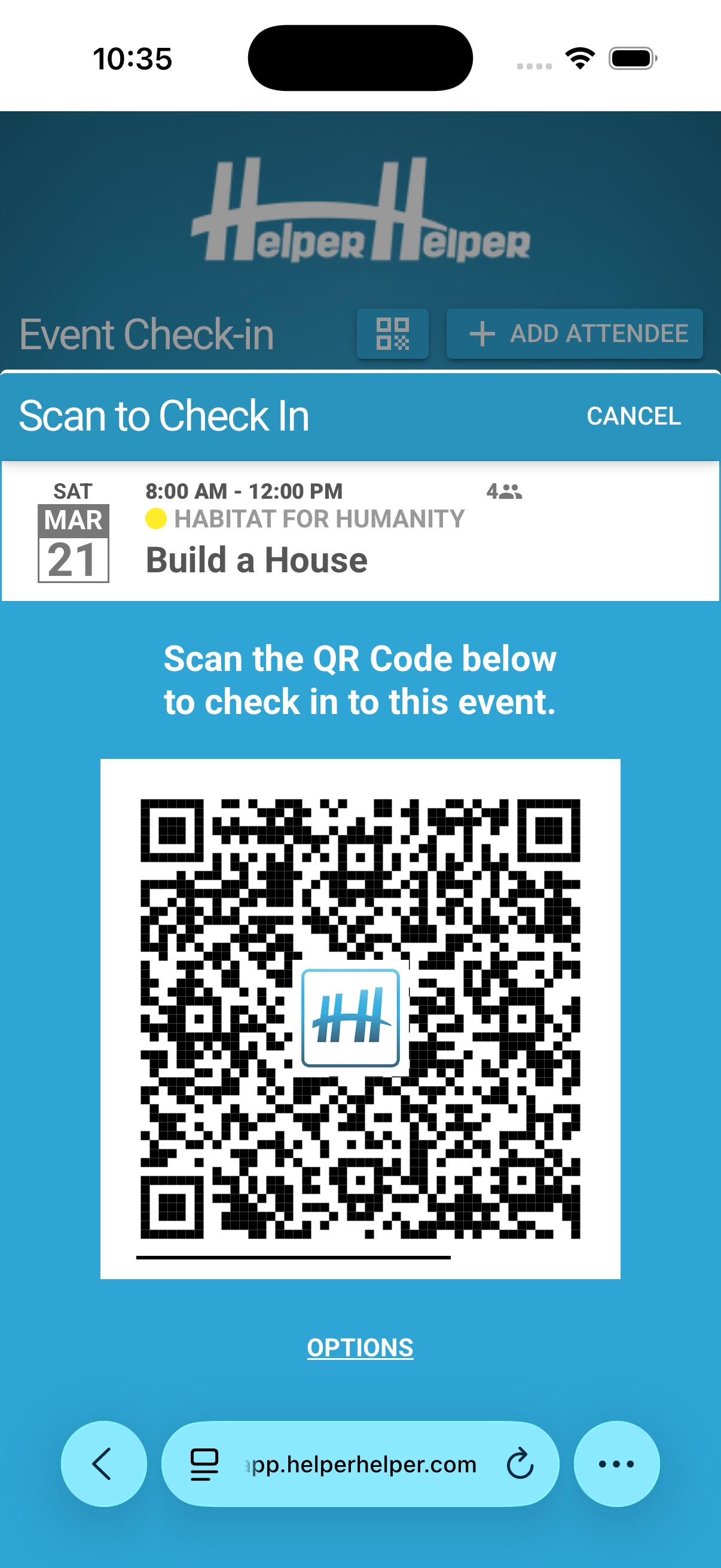
Validate students at events using static or dynamic QR codes. Display them on a coordinator's phone, print them on signs, or project them at event locations. Volunteers scan to verify their attendance instantly.
Strict Check-In and Check-Out
For precise attendance tracking, use two separate QR code pairs — one for arrival (pictured on right) and one for departure. Get exact time-on-site records automatically.
These dynamic QR Codes will change frequently to ensure students cannot share them with others who are not at the event. Get exact time-on-site records automatically.

“The QR code feature has been extremely useful at our annual Haiti Pack-a-thon. This event involves hundreds of members of the community. The QR code enables students participating in the event to scan and record their attendance quickly.”
Approval for Self-Reported Hours
Students can use the "Add Past Commitment" feature to self-report volunteer hours completed outside of an organized event. Schools can customize this form to include service learning reflections or any additional fields you want to collect so that every hour comes in with the context you need.
Third-Party Coordinator Approval via Email or Text Message
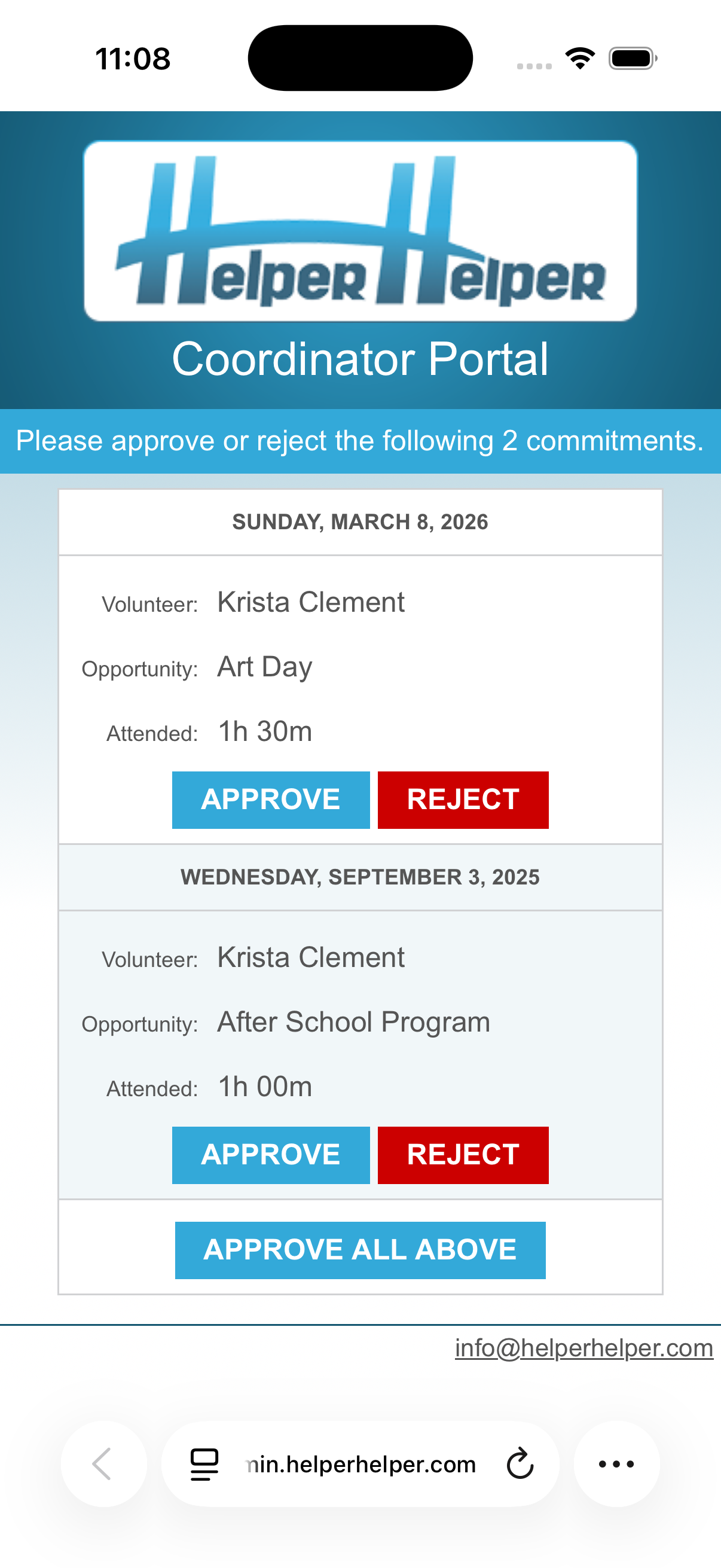
For self-reported hours, students provide their coordinator's contact details. The system sends a simple two-click approval message to coordinators, keeping the validation process fast and easy.
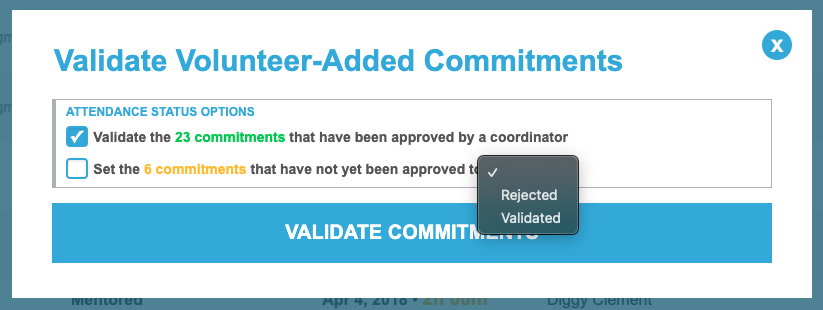
Once approved, this status will show in your admin panel where you can bulk-validate them all at once or review each one individually.

“The past commitments option is so easy for people in the community to use when our NHS members work with them!”
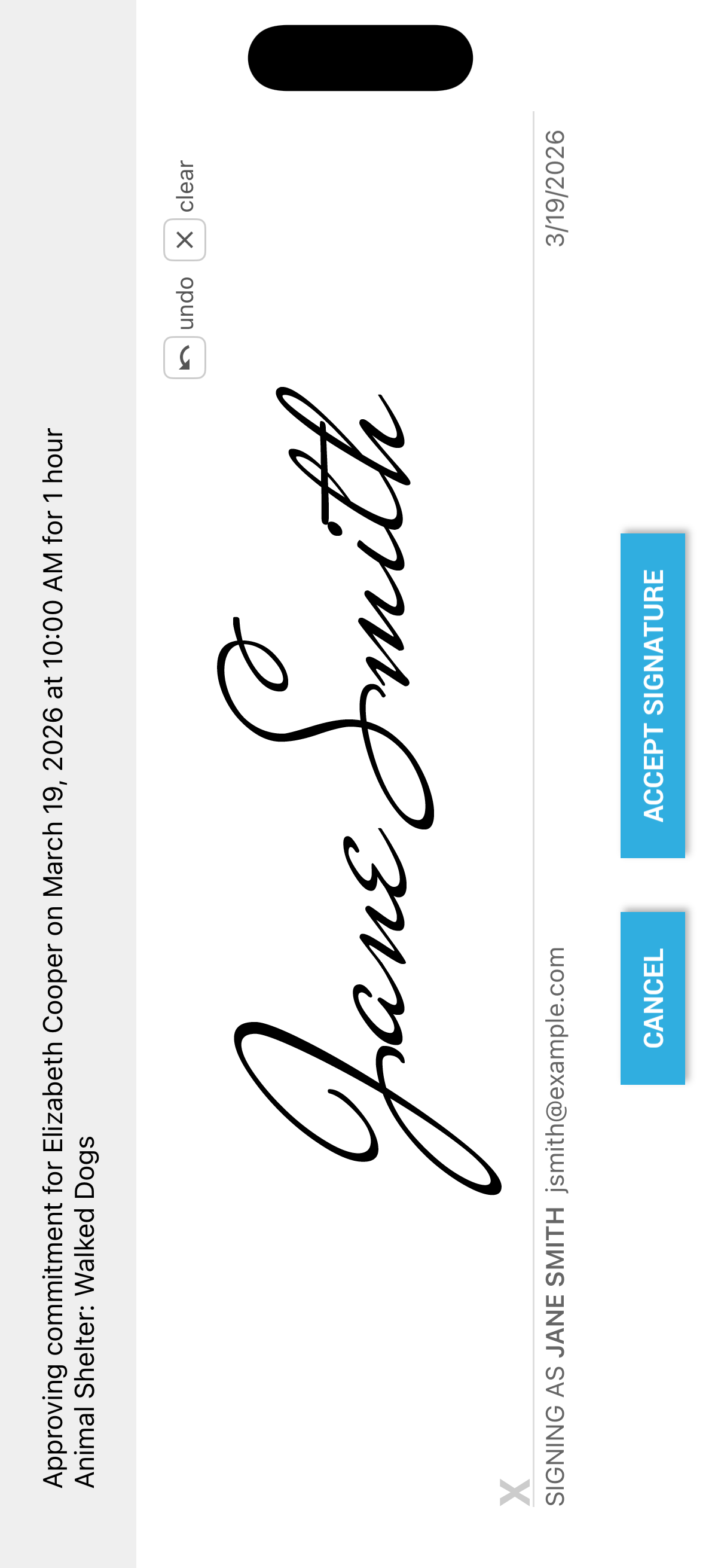
Signature Verification
Coordinators can approve volunteer hours with an on-screen signature that's fast, professional, and built right into the app. No paper forms, no scanning, no hassle.